
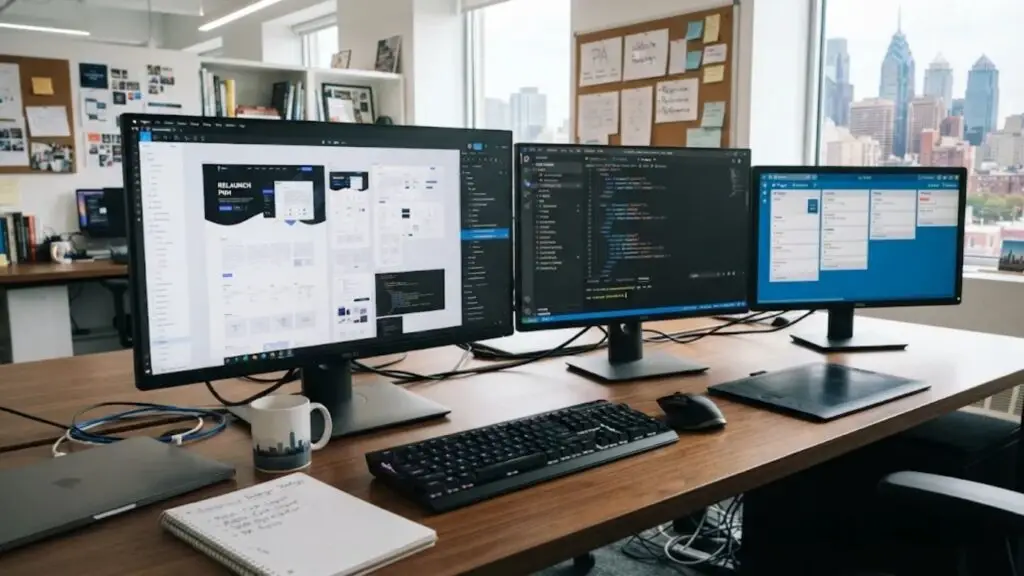
Web development services in Pennsylvania support a website redesign project by handling everything underneath the new look. A development team audits what your current site already does well, plans the new structure, builds and tests the new page templates, moves your content and URLs without losing search visibility, and monitors the site after launch.
Design changes what your visitors see. Development decides whether the redesigned site loads quickly, stays findable in search, and keeps sending you enquiries. This guide walks you through each phase, shows who is responsible for what, and points out where redesign projects usually go wrong.
What Counts as a Website Redesign Project?
A website redesign is a planned change to how an existing website looks, is organized, and works, carried out on a site that already has content, URLs, and search history. That last part is what makes a redesign different from a new build: you have something to lose as well as something to gain.
The word “redesign” covers three quite different scopes. Knowing which one you need keeps your budget and timeline realistic.
| Scope | What changes | What usually stays | Development work involved |
|---|---|---|---|
| Visual refresh | Colors, typography, imagery, page layouts | Platform, URLs, content structure | Template and style updates, cross-device testing |
| Professional website redesign | Design, navigation, page templates, content hierarchy | Domain and, often, the platform | New templates, content migration, redirects, full testing |
| Website modernization | Platform, hosting, code base, integrations, and design | Domain, brand, your best content | Full rebuild, data migration, integrations, redirect mapping, managed launch |
If you are not sure which level fits, start with our guide on when a Pennsylvania business should upgrade its website. It helps you separate a site that needs fixing from one that needs replacing.
What Do Web Development Services Actually Do in a Redesign?
A redesign runs through six phases. Skipping any of them is where most of the avoidable damage happens.
1. Audit your current site before anything is designed
The first job is an inventory of every page you have today, sorted into three groups:
- Keep: pages that already bring in search visits, links, or enquiries. These are protected through the project.
- Fix: pages with a useful purpose but weak content, slow loading, or a confusing layout.
- Replace or retire: outdated, duplicated, or unused pages.
This audit also tells you how much is at stake. You can estimate it yourself with one calculation:
Share of search traffic at risk = search visits to URLs that will change ÷ total search visits
Here is a hypothetical example. Suppose your site has 60 pages and 40 of them will get new URLs. If those 40 pages receive 800 of your 1,000 monthly search visits, then 80% of your search traffic depends on redirects being set up correctly. That number tells you how carefully the migration needs to be handled.
2. Plan the structure and the platform
Before design starts, your development team maps the new site: which pages exist, how they are grouped in the navigation, and what each URL will be. This is also when the platform decision is made. You might stay on your current system, or move to another one such as WordPress, Shopify, or Webflow.
Platform choice affects cost, editing freedom, and how far you can customize later. Our comparison of custom web development and template-based websites explains the trade-offs in plain terms.
3. Build the new templates on a staging site
A staging site is a private copy of your website where the new version is built while your live site keeps running. Your customers see no disruption, and you can review real pages instead of static mock-ups.
Development choices made here shape how the finished site performs: image handling, the amount of code each page loads, and how many third-party scripts run. For the detail behind those choices, see how development work improves website speed and performance.
4. Migrate your content and map every redirect
Content migration moves your text, images, and page settings (titles, descriptions, headings) into the new templates. Redirect mapping connects each old URL to its new home with a 301 redirect, which tells browsers and search engines that a page has moved permanently.
A redirect map is a simple spreadsheet. A few illustrative rows look like this:
| Old URL | New URL | Action |
|---|---|---|
| /services.html | /services/ | 301 redirect |
| /roof-repair-philadelphia.html | /roofing/philadelphia/ | 301 redirect |
| /about-our-company/ | /about/ | 301 redirect |
| /spring-offer-2019/ | No direct replacement | Redirect to the closest relevant page, or retire |
This is the step that protects the rankings you already have. Our article on SEO-friendly web development covers how to protect rankings during a redesign or migration in more depth.
5. Test before launch
Testing confirms the new site works for real visitors, not only on the developer’s screen. A proper test pass covers:
- Layout and navigation on phones, tablets, and desktops across the major browsers
- Every form, phone link, booking tool, and checkout step
- Analytics and conversion tracking, so you can compare results before and after
- Redirects, checked against the full redirect map
- Keyboard navigation, color contrast, and form labels
A redesign is also the cheapest moment to fix accessibility, because the fixes go into the templates once instead of page by page. You can read more about the role development plays in website accessibility compliance.
6. Launch and monitor
Launch day is a checklist, not a single switch. The team removes the staging site’s search-engine block, publishes the redirects, submits the new sitemap in Google Search Console, and re-tests forms and tracking on the live domain.
The weeks after launch matter just as much. Someone should watch for crawl errors, missing pages, and drops on individual pages so problems are corrected while they are still small. If your homepage or location page URLs changed, update the website link on your Google Business Profile too.
Who Does What? Your Role and Your Development Team’s
A redesign stalls most often because nobody agreed who owns each task. Use this table as a starting point for that conversation.
| Phase | Your development team | You |
|---|---|---|
| Audit | Crawls the site, pulls traffic data, builds the page inventory | Share analytics access; flag pages that drive sales or calls |
| Planning | Proposes sitemap, URL plan, and platform | Confirm services, locations, and priorities |
| Build | Develops templates on staging; sets up editing tools | Review real pages; give consolidated feedback |
| Migration | Moves content; builds and tests the redirect map | Approve rewritten copy; supply new photos or text |
| Testing | Runs device, form, tracking, and accessibility checks | Test the site the way your customers would use it |
| Launch | Publishes, submits sitemap, monitors errors | Avoid launching into your busiest sales period |
Where Do Redesign Projects Go Wrong?
Most redesign problems are predictable. Ask any provider how they prevent each of these:
- Missing redirects. Old URLs lead to error pages, so visitors and search engines lose the page.
- The staging block is left on. The setting that hides the staging site from search engines is carried over to the live site.
- Content is cut to suit the design. Text that helped a page rank is removed because it did not fit the new layout.
- Forms and tracking break quietly. Enquiries stop arriving, or stop being counted, and nobody notices for weeks.
- Content arrives late. The build is finished, but the launch waits on copy and photos nobody was assigned to produce.
- Scope grows mid-project. New features are added after planning, which pushes out both the timeline and the budget.
Does It Matter That Your Development Team Is in Pennsylvania?
Location does not make code better. A capable team anywhere can build a sound website. What a Pennsylvania-based team changes is the context around the work:
- Local market knowledge. Service-area and location pages for places like Philadelphia, Pittsburgh, Harrisburg, the Lehigh Valley, or the Main Line are easier to structure when the team knows how those areas relate to each other.
- Easier discovery. Shared working hours and the option to meet in person help during the audit and planning phases, when most of the important decisions are made.
- State-specific setup. If you sell online, your store needs to handle Pennsylvania sales tax, including the local additions in Philadelphia and Allegheny County. Confirm the exact rules with your accountant.
We are based in Wayne, on the Main Line, and work with businesses in the Philadelphia area and beyond. Treat location as a tiebreaker, though. Process and proof should come first.
Which Business Website Improvements Can You Realistically Expect?
A well-run redesign usually delivers business website improvements you can see and measure:
- Pages that load faster and work properly on phones
- Navigation that gets visitors to your services in fewer steps
- A site your own staff can update without calling a developer
- Clean tracking, so you know which pages produce enquiries
A redesign does not guarantee higher rankings or more leads on its own. When URLs change, some fluctuation in search visibility is possible while search engines process the redirects. A redesign gives you a stronger foundation; your content, reputation, and ongoing marketing still do much of the work.
How Should You Prepare Before You Contact a Development Team?
A little preparation makes the first conversation far more useful.
- Export a list of your current URLs, or ask your provider to crawl the site for you.
- Pull your top pages by search visits from Google Search Console or your analytics tool.
- List every tool connected to your site: booking, payments, email marketing, CRM, chat.
- Write down the three things you most want the new site to do better.
- Decide who on your side approves content and design, so feedback comes from one voice.
- Confirm you have login access to your domain registrar, hosting, and analytics accounts.
Frequently Asked Questions
Does your current website stay live during a redesign?
Yes. The new version is built on a staging site, so your existing website keeps working until launch. The switch itself is normally brief and can be scheduled for a quiet period.
How long does a website redesign take?
It depends on the scope. A visual refresh is much quicker than a full website modernization with a platform change. The two biggest factors within your control are how quickly content is supplied and how quickly feedback is given.
Your Next Step
Run the traffic-at-risk calculation on your own site this week. List the URLs you expect to change, add up their search visits, and divide by your total. That single number tells you how much care your redesign needs, and it gives any development team a clear starting point.
When you are ready to talk it through, we start web development projects with a free consultation call. Bring your URL list and your top-pages report, and you will get far more specific advice.